 AirTap
NFC Wi‑Fi sharing for iPhone
Share your Wi‑Fi with a tap.
Write your network to an NFC tag once. Guests hold their phone near it and they're online, with no app to install and no password to type.
 Free · iPhone
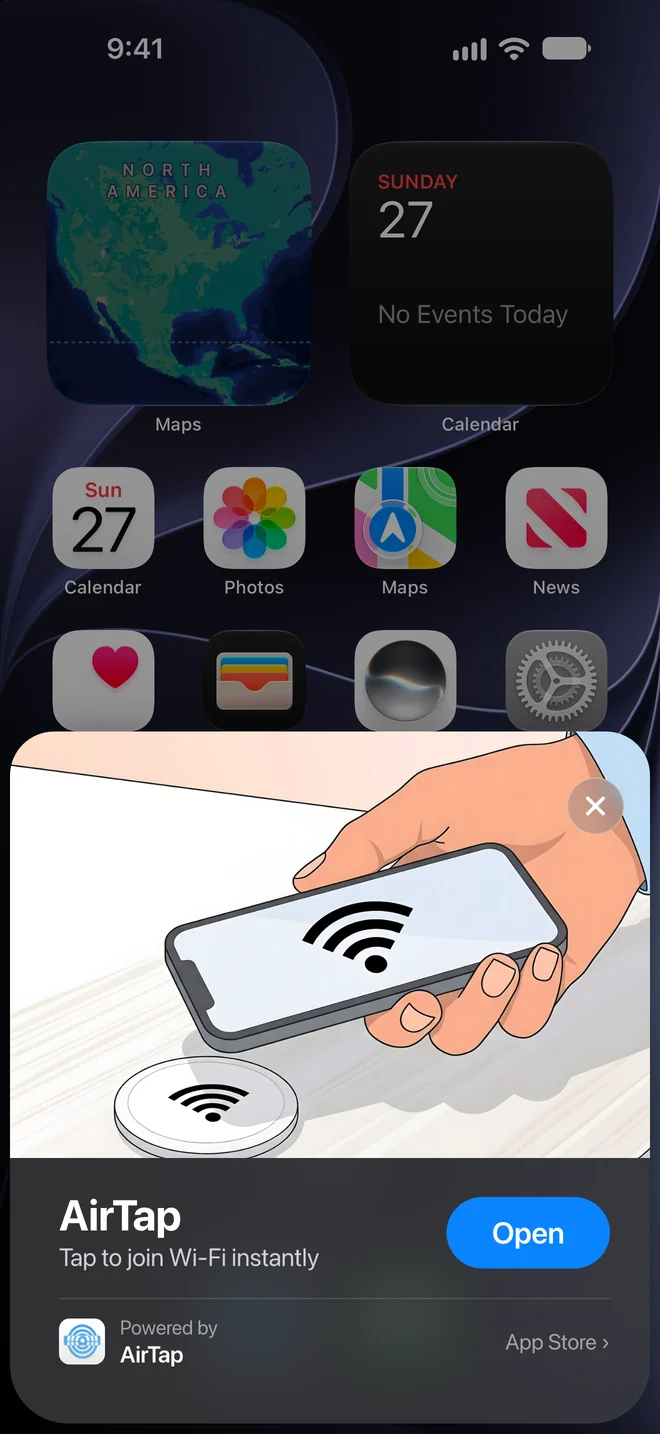
Set it up once. Every guest is one tap away.
AirTap puts your network name and password on an inexpensive NFC sticker or tag. Put it by the door, on the counter, or next to the router.
-
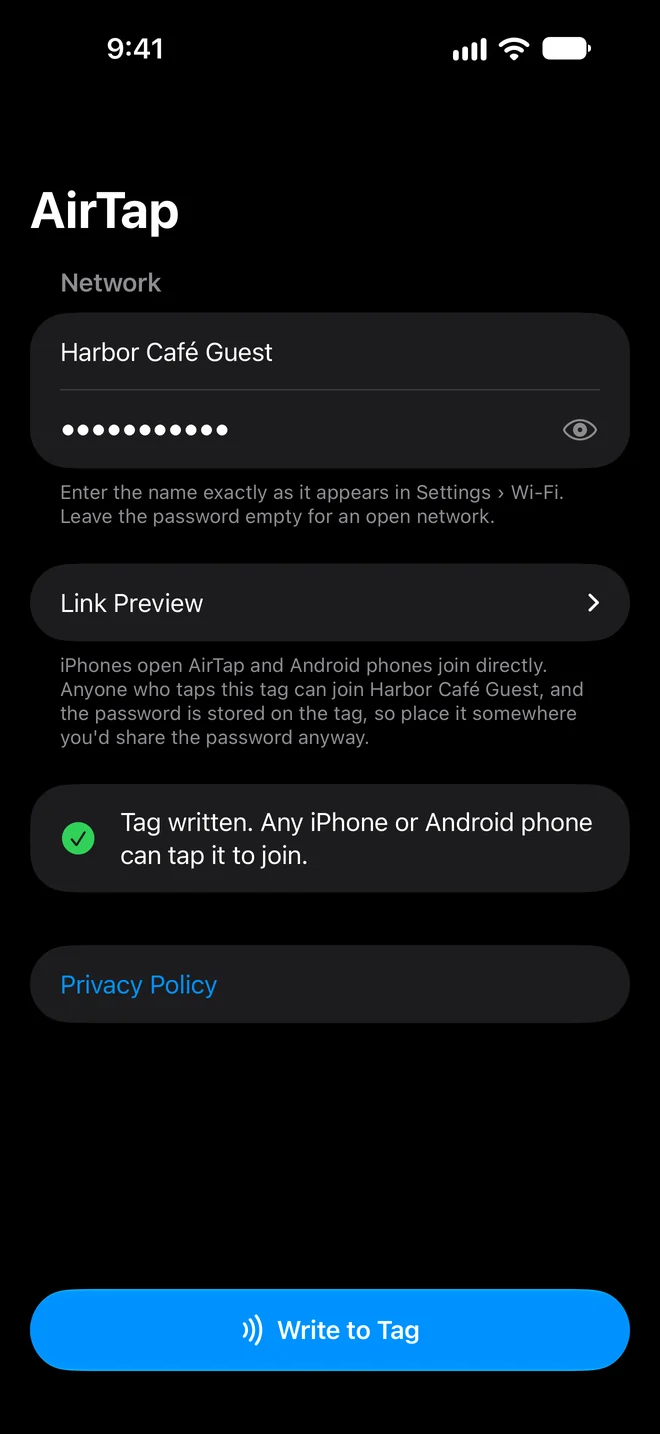
Write a tag
Enter your network in AirTap and hold your iPhone to a blank NFC tag.
-
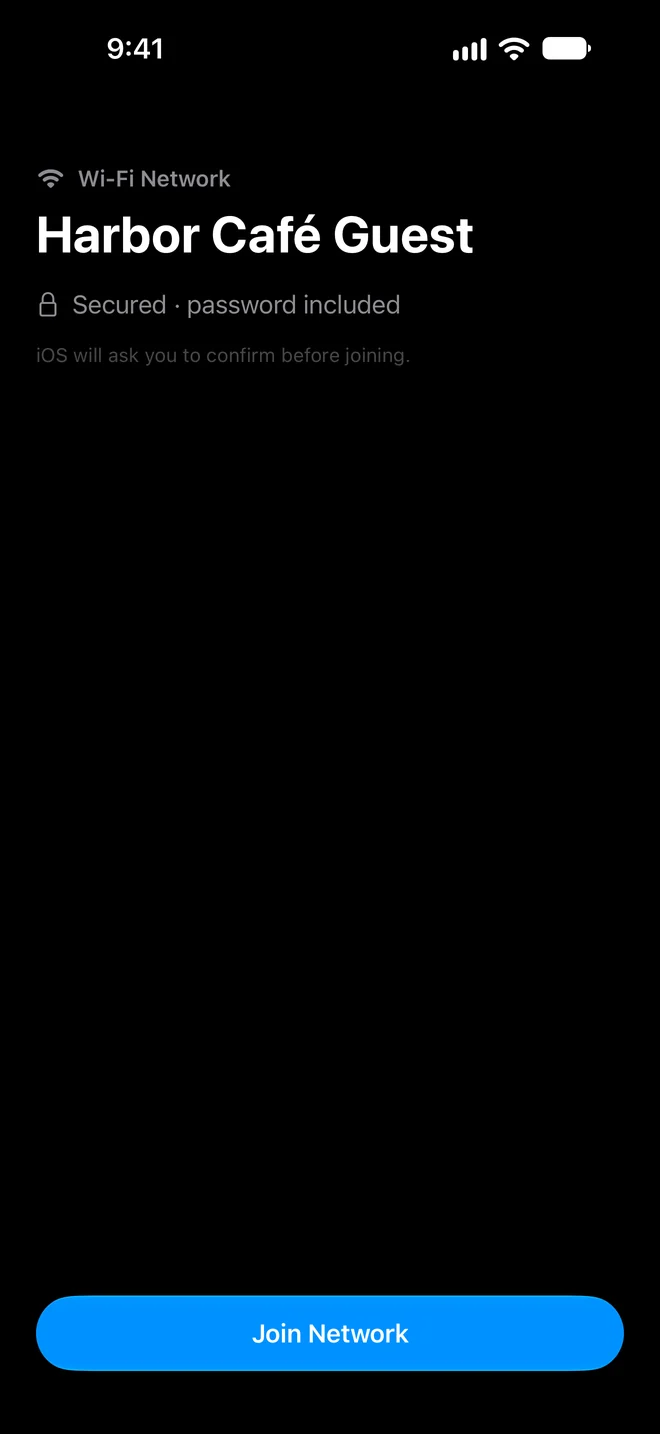
Guests tap
An iPhone opens a small AirTap card straight from the tag. Nothing to download.
-

They're online
One more tap to confirm, and they're on your Wi‑Fi.
Made for the places people ask for the password.
iPhone and Android
Each tag also carries the standard Wi‑Fi format Android reads natively, so Android phones join from the same tag.
No accounts, no tracking
There's nothing to sign up for. Your network details are written to the tag itself, not stored in a database.
Works with common tags
Any NDEF-writable tag works. NTAG215 or larger holds both the iPhone and Android formats.
Stop spelling out your Wi‑Fi password.